Installation
This guide walks you through installing the RenderEase Shopify App, connecting your store with the RenderEase platform, and completing the initial setup process.
Step 1: Install the RenderEase Shopify App
You will be provided with a direct RenderEase Shopify App link.
Using this link, you can install the app on your Shopify store by following Shopify’s standard app installation flow. Once installed, you will be redirected back to your Shopify admin.
Step 2: Grant App Permissions
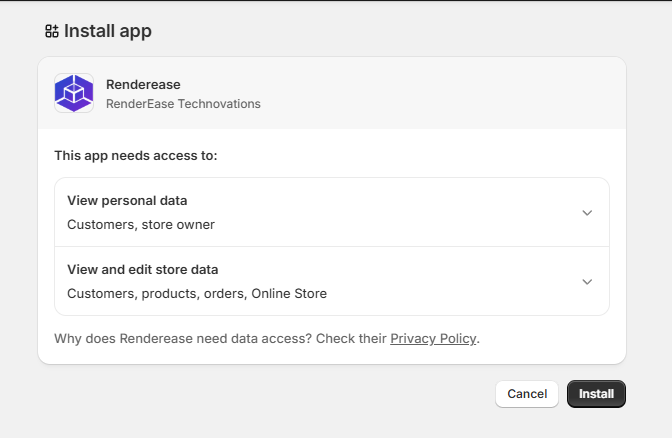
After initiating the installation, Shopify will display the permissions required by RenderEase.
- Review the listed permissions.
- Click Install app to proceed.
These permissions allow RenderEase to access relevant store and product data required to enable interactive 3D experiences.
Step 3: Automatic Store–RenderEase Platform Connection
Once the app installation is complete:
- Your Shopify store is automatically registered with the RenderEase platform.
- A RenderEase account is created for your store if one does not already exist.
- The integration is activated automatically without any manual configuration.
No API keys or additional setup steps are required during this stage.
Step 4: Receive Login Credentials by Email
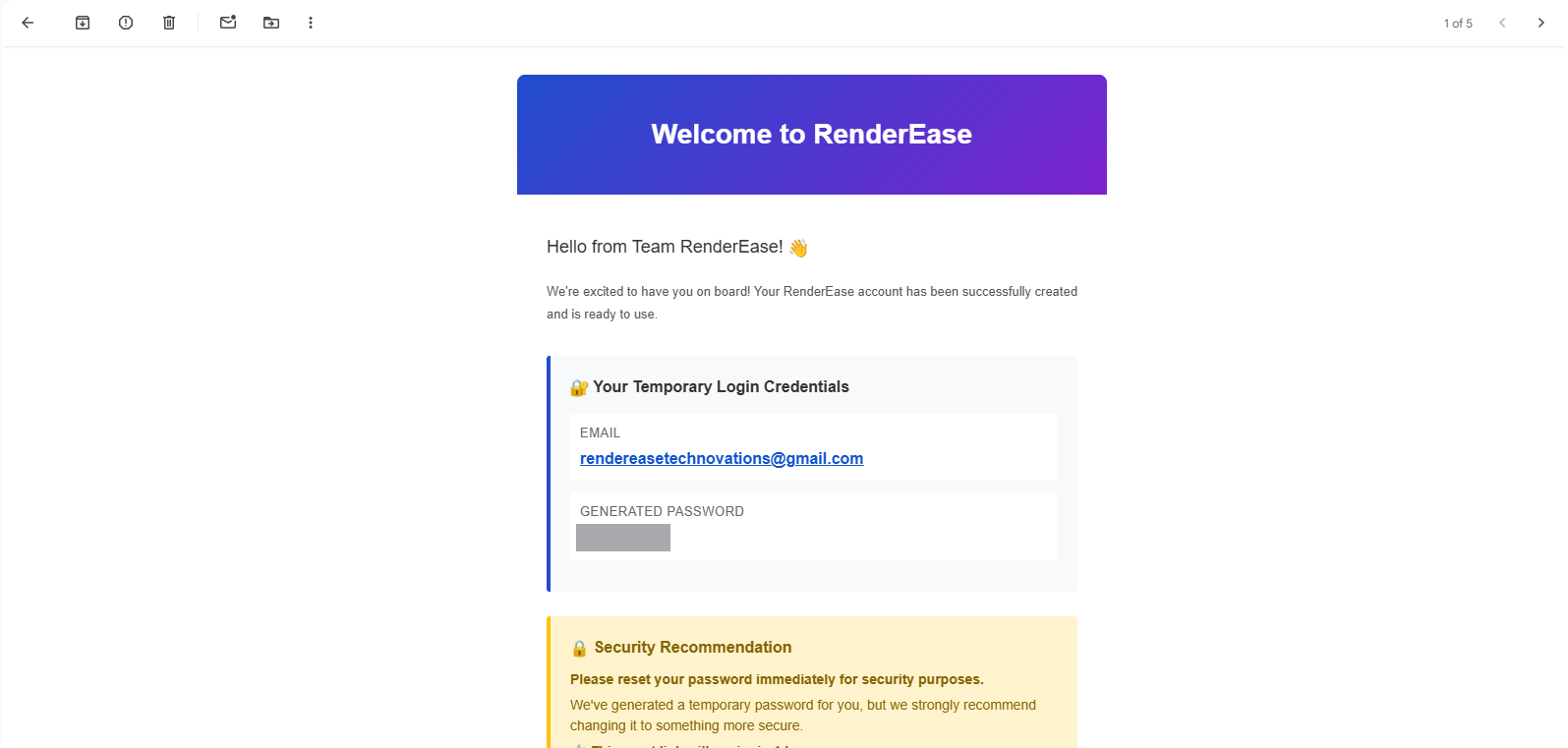
After successful installation and account creation, an email is sent to the store owner’s registered email address.
The email contains:
- RenderEase platform login link
- Registered email address
- Temporary password
For security reasons, you are advised to reset your password after your first login.
Step 5: Access the RenderEase Dashboard
Using the credentials shared via email:
- Log in to the RenderEase dashboard.
- Reset your password if prompted.
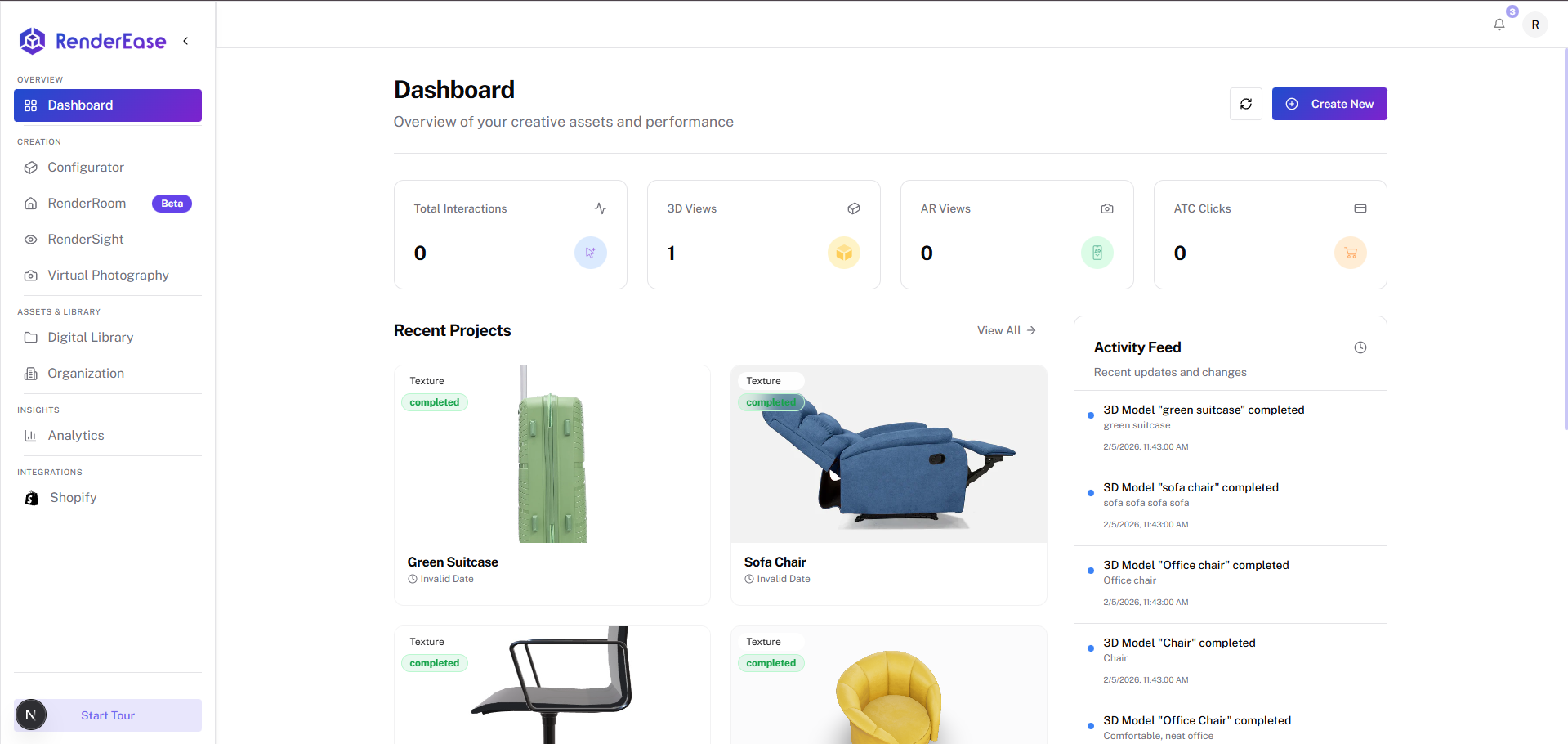
- Upload or manage 3D models.
- Configure interactive product experiences for your Shopify store.
Troubleshooting
- Check your spam or junk folder if the credentials email is not received.
- Ensure the store owner email address is accessible.
- Reinstalling the app can trigger a new credentials email.
- Contact RenderEase support if the issue persists.
Installation is now complete. You can proceed to configure and manage interactive 3D product experiences using the RenderEase platform.